赛博养虾-OpenClaw安装
标签
云计算
字数
235 字
阅读时间
2 分钟
准备操作
首先准备一台安装好Ubuntu的主机 
通过apt install 和 apt upgrade -y升级系统
安装OpenCode
后续步骤在root用户运行
安装curl
后续我们通过curl安装OpenCode
apt install curl -y安装OpenCode
curl -fsSL https://opencode.ai/install | bash安装完成截图
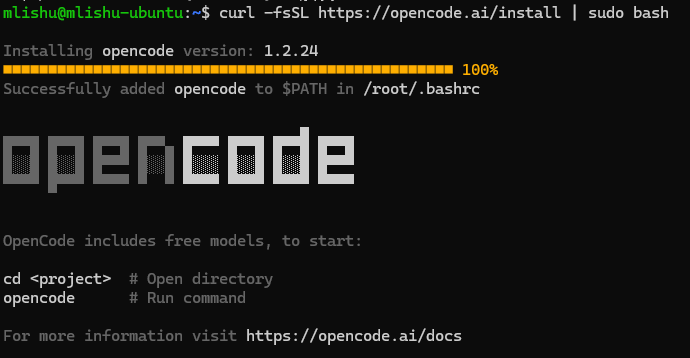
添加到运行目录
source /root/.bashrc运行OpenCode
输入opencode进入
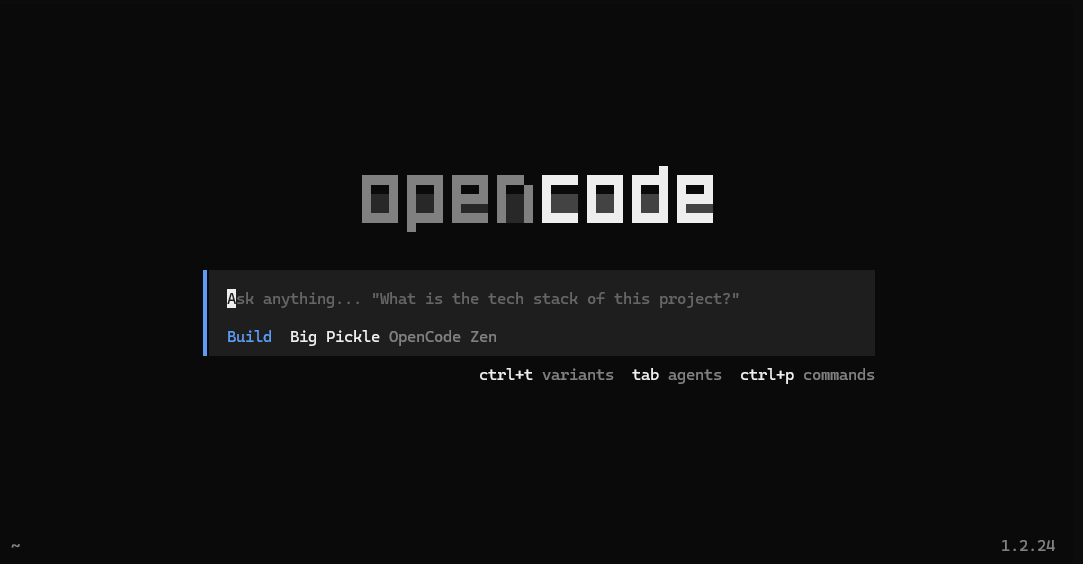
安装OpenClaw
下述操作在root用户运行
curl -fsSL https://openclaw.ai/install.sh | bash等待OpenClaw自动安装
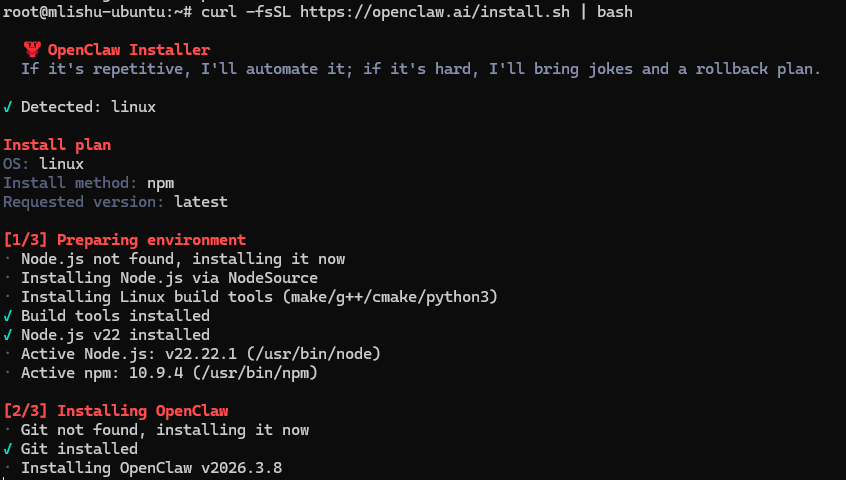
故障1:NPM下载失败
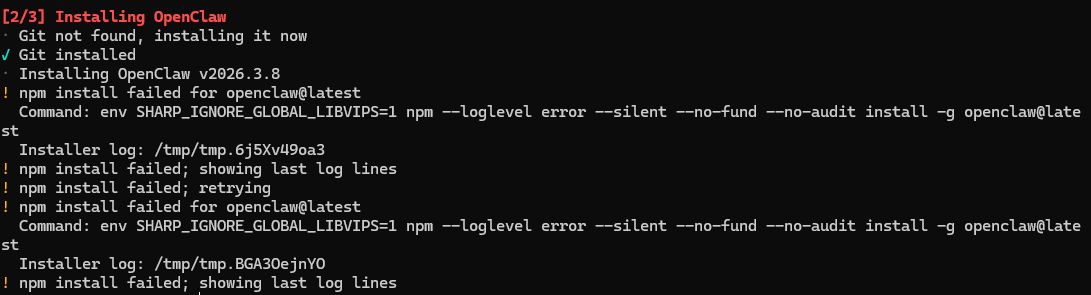 由于NPM有概率下载失败,因此使用nvm进行配置
安装nvm
curl -o- https://raw.githubusercontent.com/nvm-sh/nvm/v0.40.3/install.sh | bash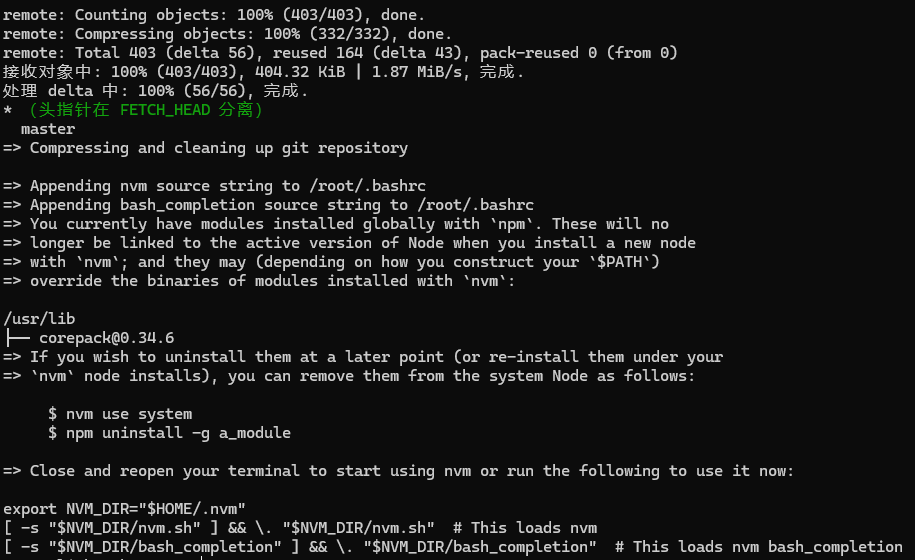
重启终端后使用nvm
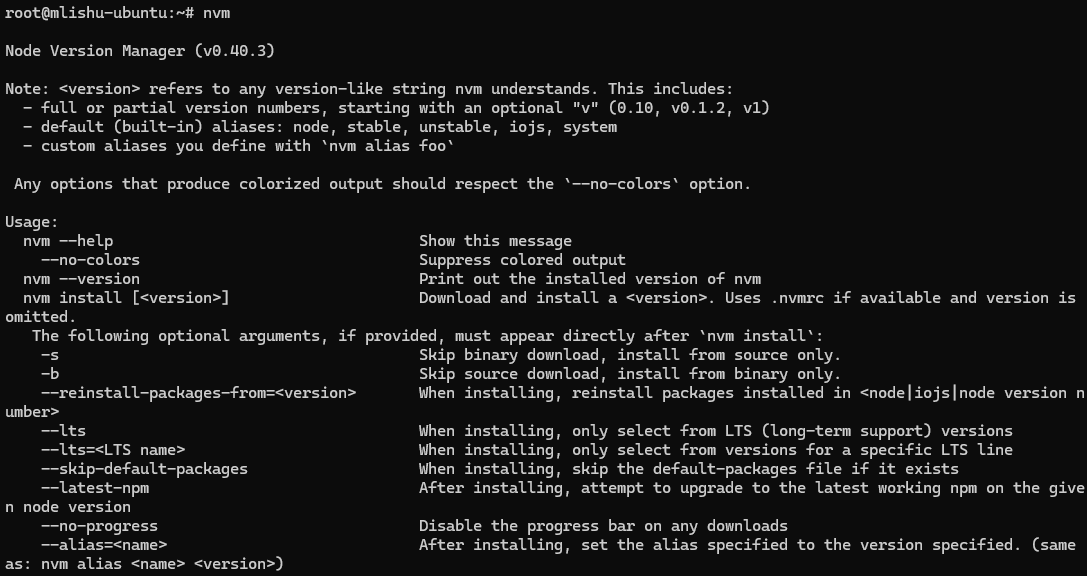
手动安装node.js
nvm install 22.20.0
使用node.js
安装nrm
npm install -g nrm用户引导,选择YES 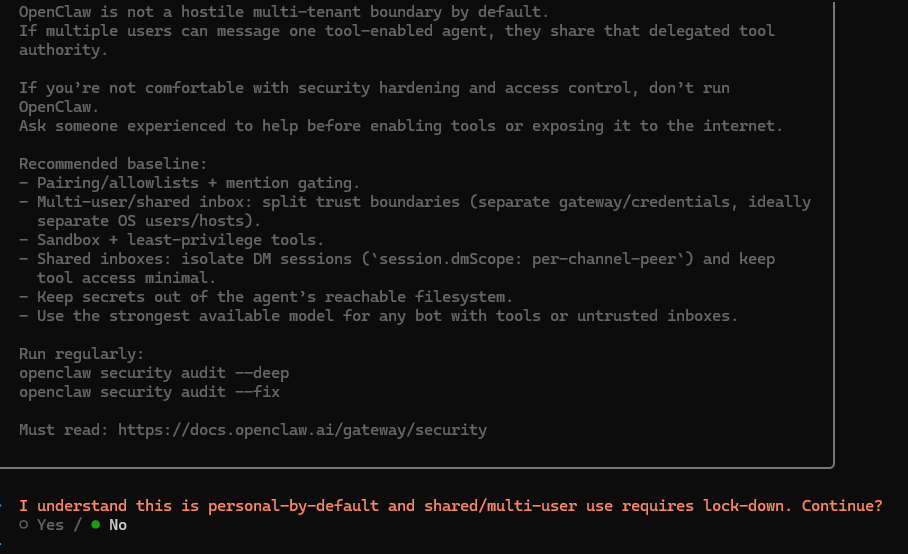
模式选择q  选择本地ollama作为大模型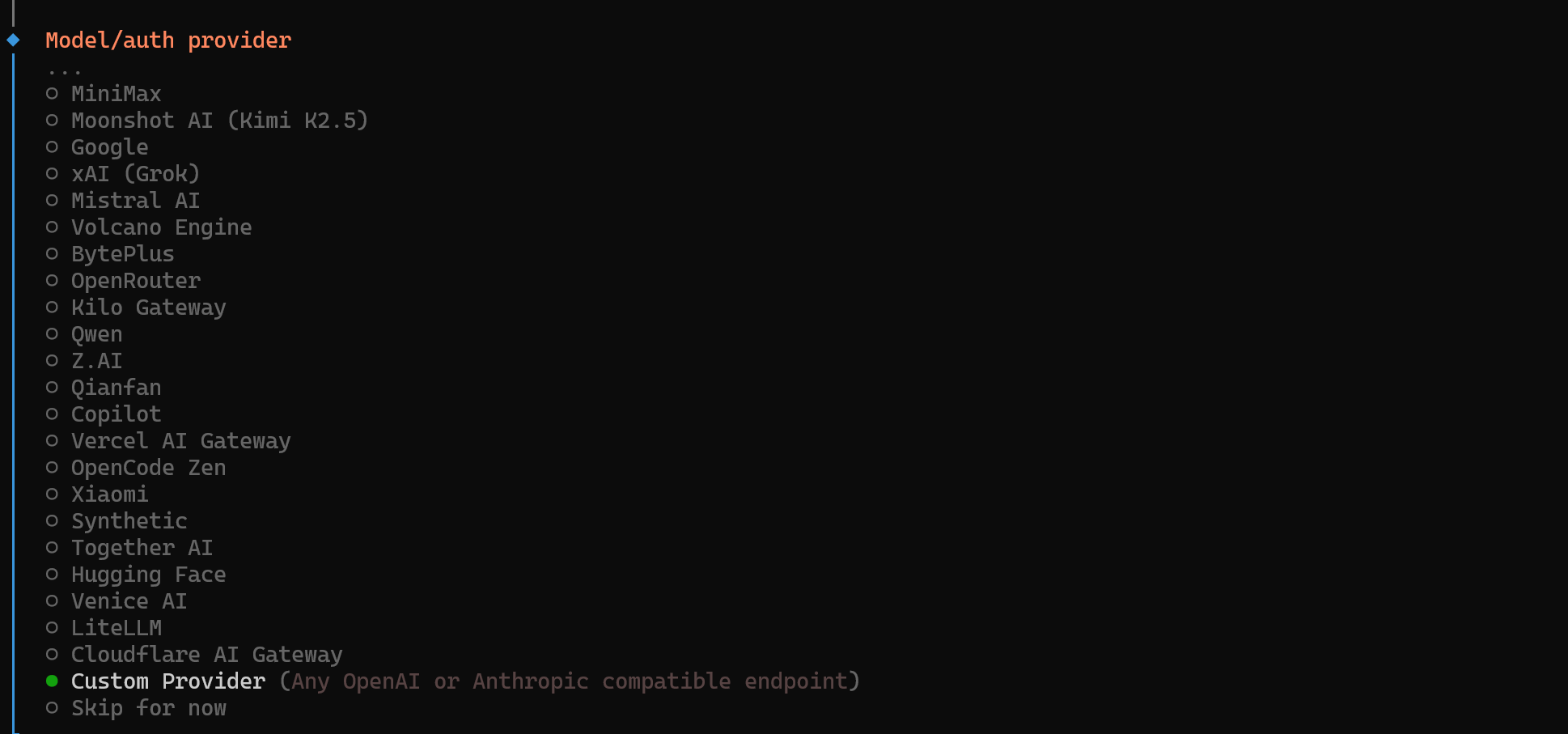
贡献者
 lishu620